
Manage my event
Event Crowd Monitoring
Know where the crowd is, right now
MULTI-ZONE CROWD MONITORING
- Track every zone of your event in real time
- Set a capacity threshold per zone and get flagged when it is crossed
- Count with your own team — no cameras, no sensors, no installation
- Share a live count with attendees through a QR code or your event app
- Export a timestamped log per zone for sponsors and post-event reports
You choose the level of operation
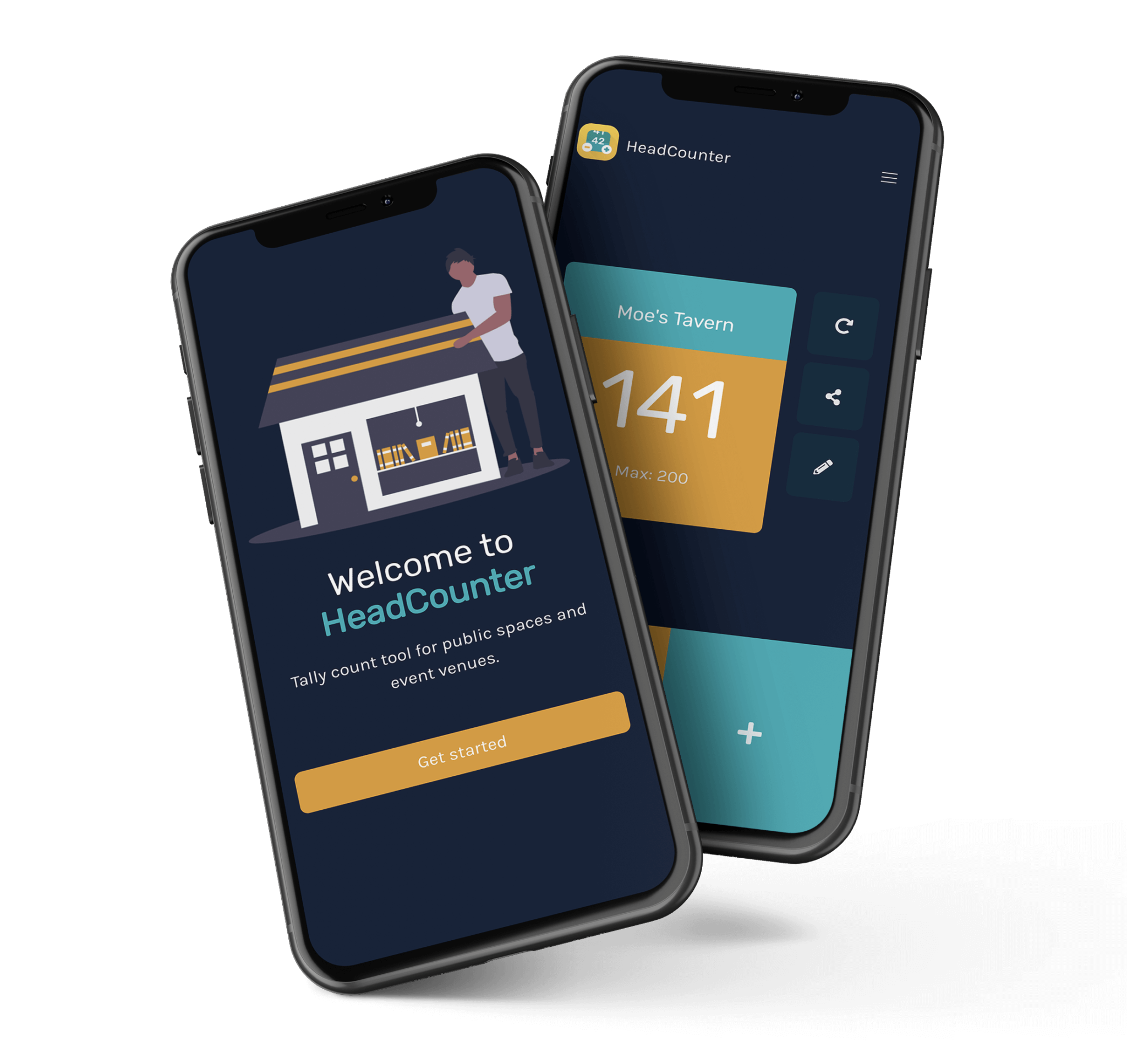
HeadCounter
The free app. One venue, one device, one count — and it stays free. A good fit for a single door where you just need to know the number.
HeadCounter Pro
Unlimited zones, several devices per zone kept in sync, one live dashboard, capacity thresholds, historical statistics and CSV export.
Fully operated
Everything in Pro, with the beamian team on site: we map the zones with you, staff the doors and run the operation alongside your check-in.
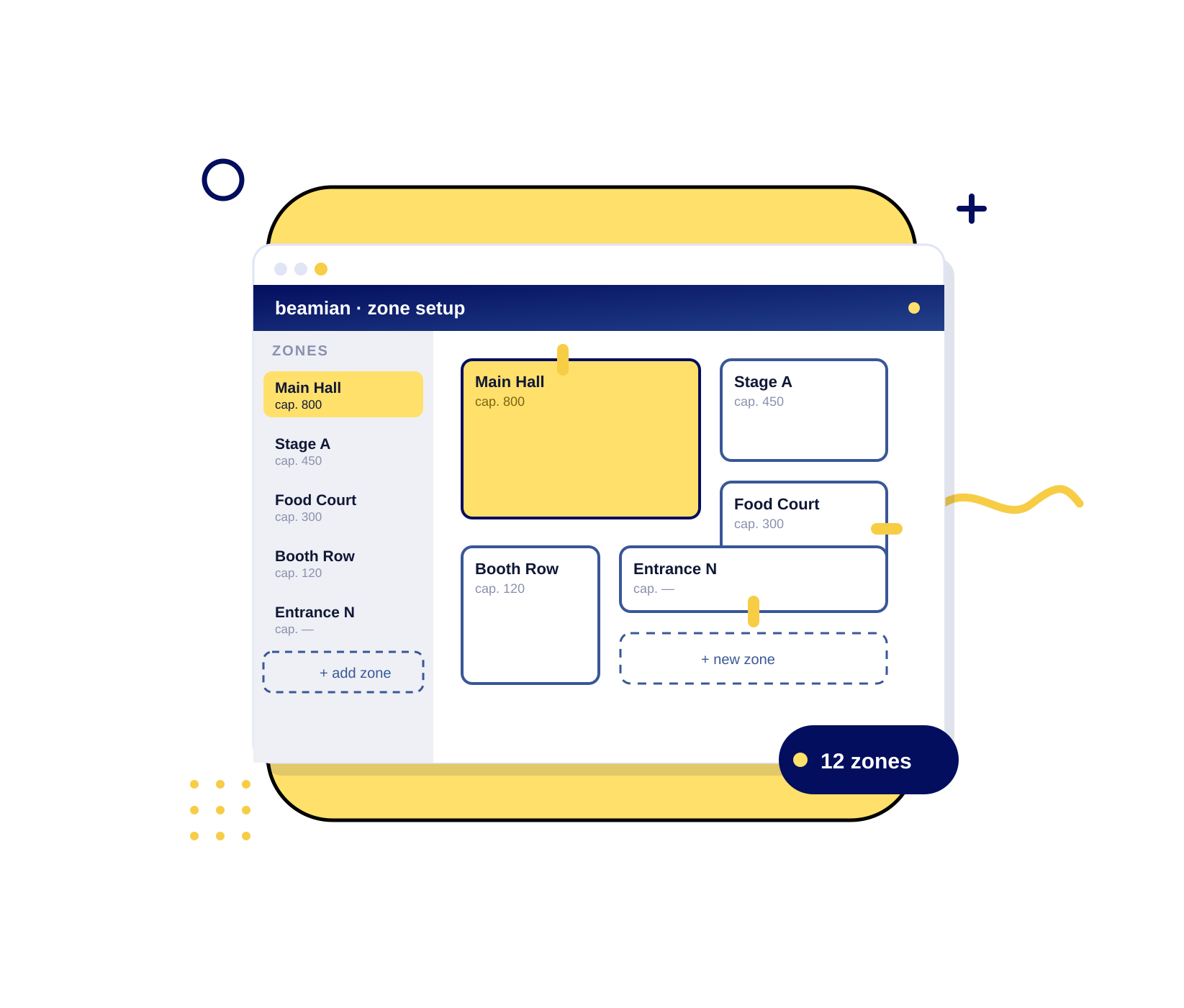
WE SET UP THE WHOLE OPERATION
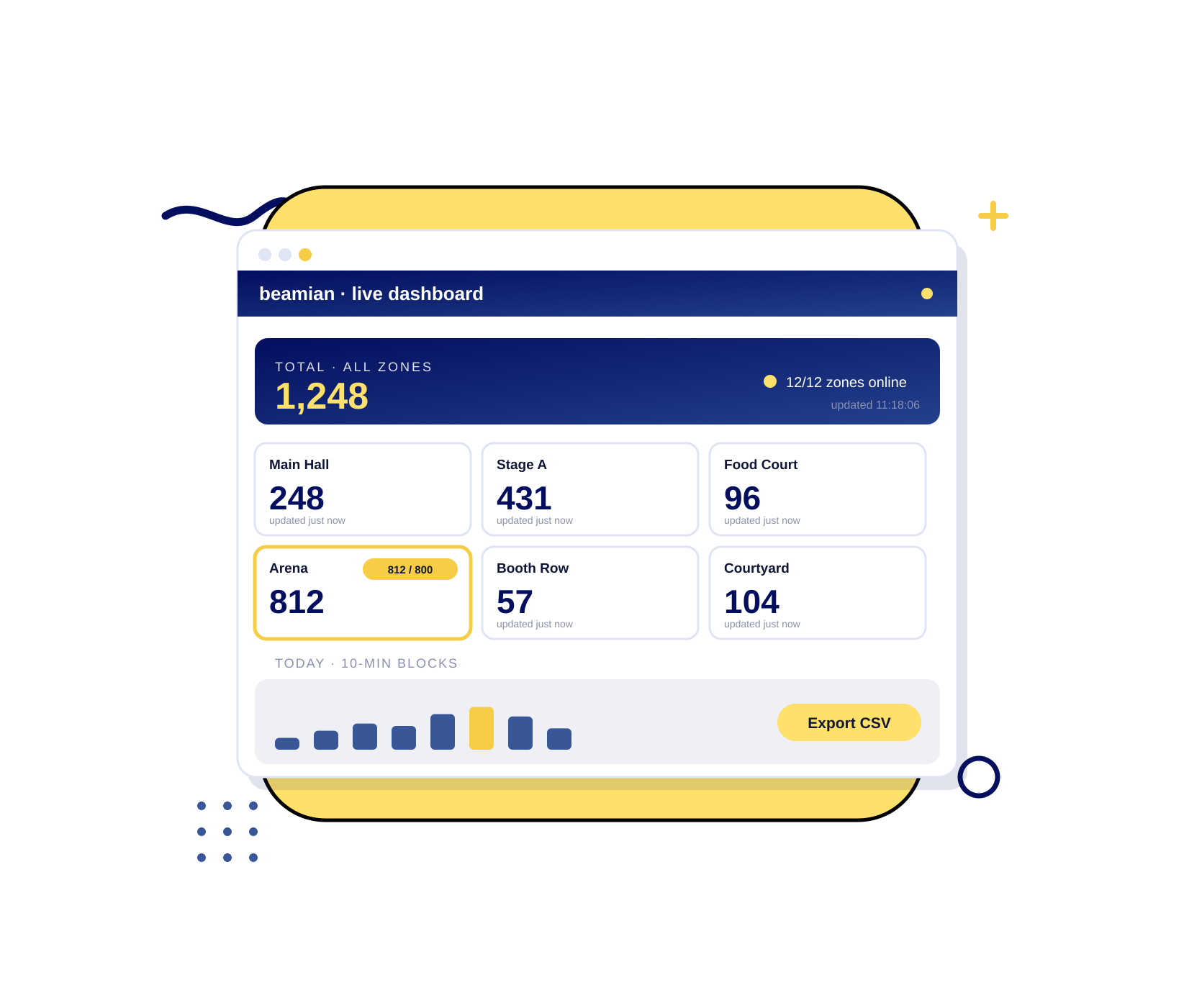
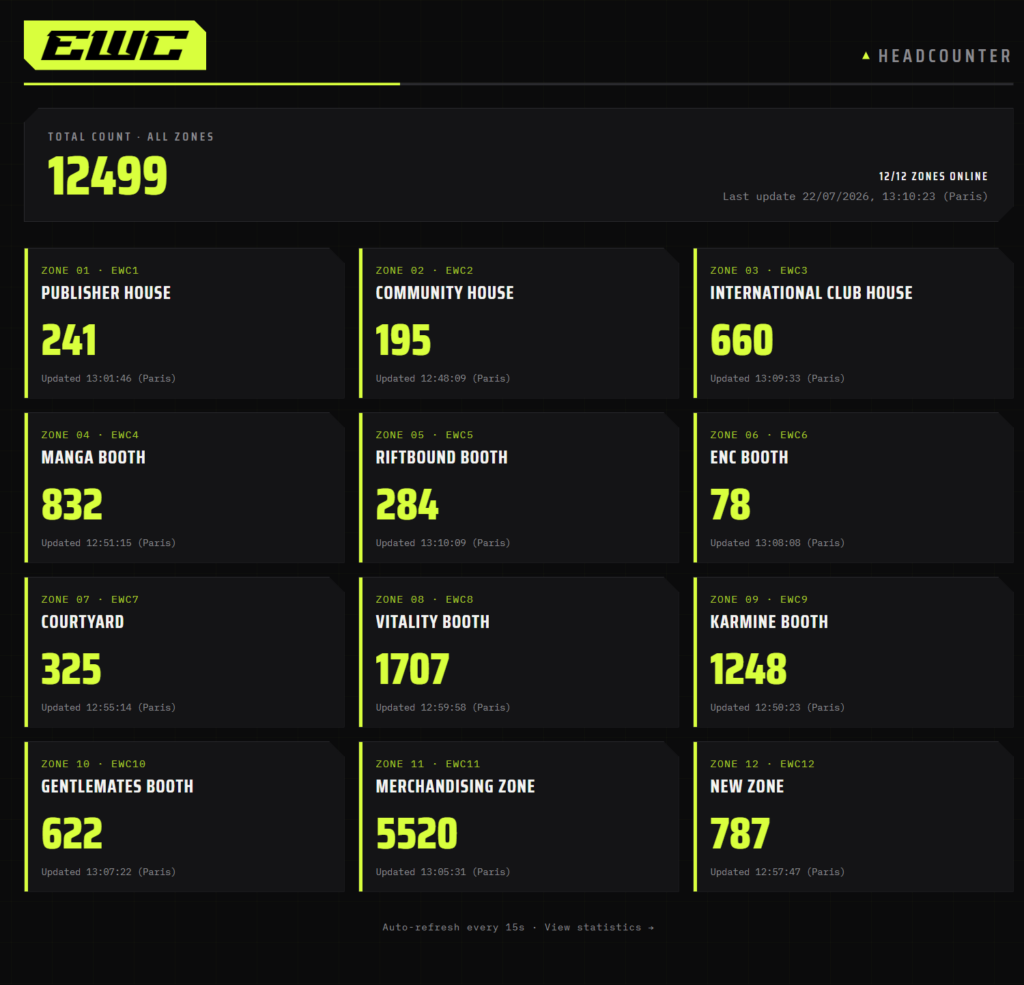
Screenshot of a random moment during the operation. The figures do not represent the event total, nor any specific day.
12 ZONES
Every space counted separately
Publisher House, Community House, International Club House, the team booths, the courtyard and the merchandising zone were each counted as their own zone — with all twelve reporting into the same live view.
ONE LIVE VIEW
Every zone, in real time
The organisers did not have to ask anyone how full a space was. Each zone showed its own live count and its last update on a single screen, and every movement behind those counts is timestamped and exportable.
From the team
”Not every organiser needs a full event platform. Some just need to see, at a glance, where their crowd is. That is who we built HeadCounter Pro for. No cameras, no sensors, no month of lead time. One tap in, one tap out, and a screen your floor manager can read in three seconds. It sits next to everything else we do, but it stands perfectly well on its own. And it can be running in a venue we have never set foot in, within days.
Sérgio PintoCEO at beamian
Frequently asked questions
How do you count people without cameras or sensors?
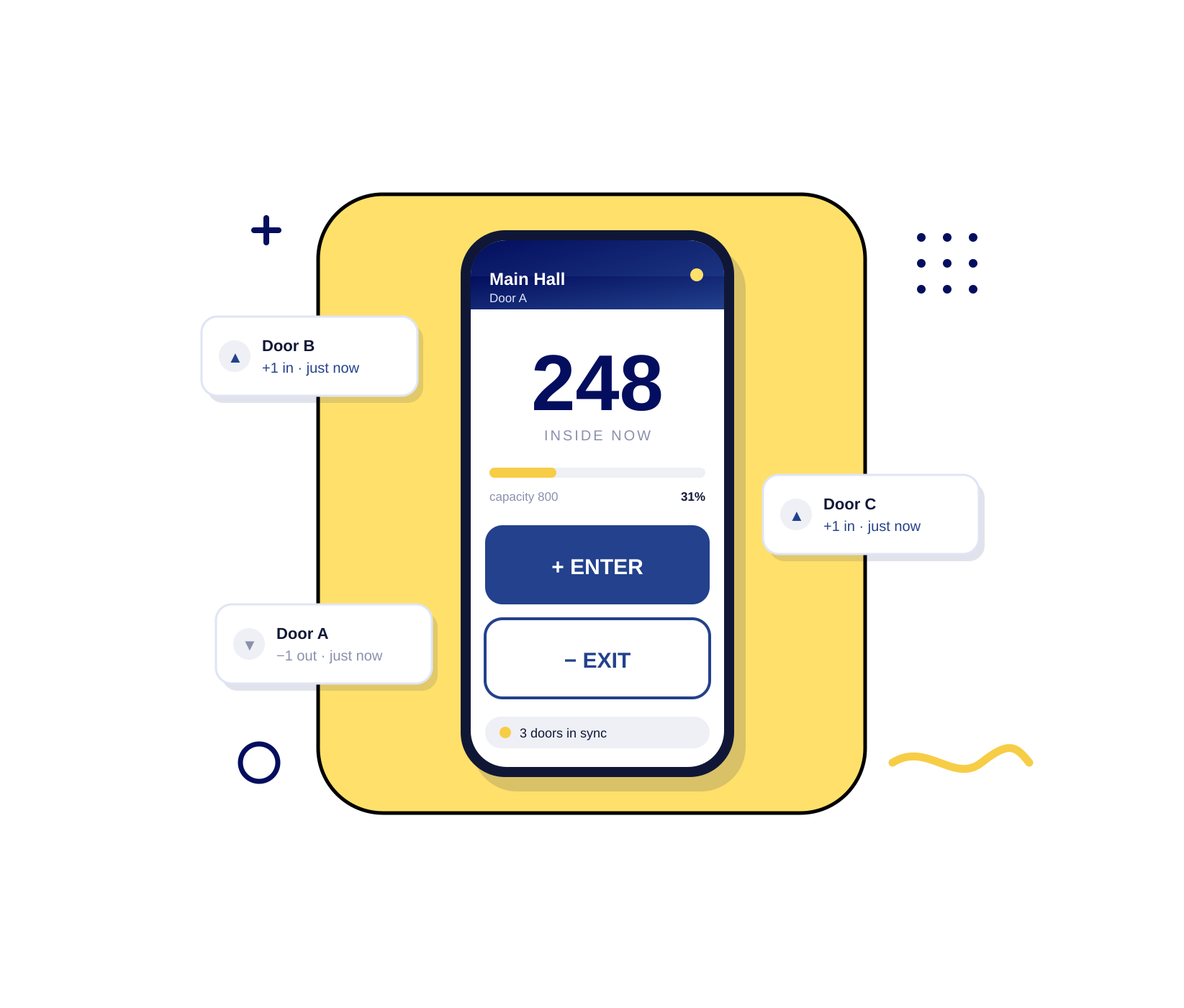
Your staff do the counting on a phone or tablet — one tap as someone enters, one as they leave. That is why the system can be running in a venue on the same day: nothing to install, no mounting permissions to negotiate, and no camera footage to assess for privacy.
Can several people count the same zone at once?
Yes. Multiple devices can feed one zone and stay in sync, so you can staff several doors on the same hall, or hand over between shifts, without losing the count.
How many zones can I monitor at the same time?
There is no limit. Each zone gets its own name, its own capacity threshold and its own live count, and they all appear together on one dashboard.
What happens when a zone goes over its capacity?
The zone flags on the dashboard as soon as it passes the threshold you set, so your team can act while it still matters — open another door, hold the queue, or redirect people to a quieter space.
Can I show the live count to my attendees?
Yes. A zone’s live count can be published on a shareable link, which works behind a QR code at the entrance, on your event website or in your event app — so people can choose when to visit instead of queuing blind.
What data do I get after the event?
A full timeline per zone, aggregated into blocks from ten minutes up to a full day, plus a CSV export of every counted movement with its timestamp and zone. That is what you send to a sponsor or put into a post-event report.
How is this different from the free HeadCounter app?
The free app counts one venue on one device, and it stays free — a good fit for a single door. HeadCounter Pro is the operated version: many zones, many devices per zone, a central dashboard, historical statistics and export, and the beamian team on site if you want it.
Does this only make sense for large events?
No. The set-up is the same for a two-zone conference as for a twelve-zone festival — the dashboard simply has fewer cards on it. The threshold is not size, it is whether you need to know where people are while the event is still running.